 button to display the YGC Interface Defaults Screen.
 The YGC Interface has a multitude of options based on the account Forwarder ID. JST gives users the option to set some basic defaults for the Upload and Download settings. These settings will be respected when a new Forwarder is added however can be overridden by changing them at the forwarder level.
From the Management Tab of the YGC Interface, click the button to display the YGC Interface Defaults Screen.
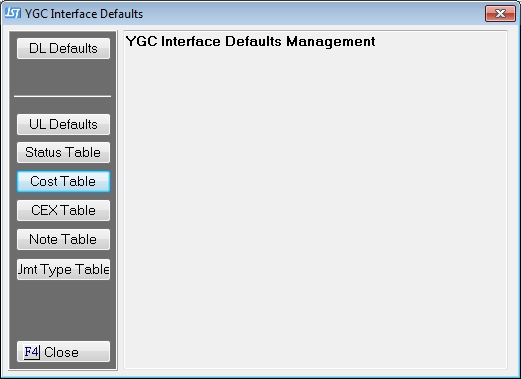
If you have a typical setup for your Forwarders, it is recommended that you set the defaults that are available.
CEX Table